


































































One of the questions I get asked most often by clients preparing for a shoot is: "what do you actually need from us on the day?" Equipment is usually the last thing on their mind — and understandably so. But from a videographer's perspective, the choices made before the camera even rolls have a direct impact on what's possible in the edit. Memory cards are one of those invisible decisions that separates a smooth shoot from a stressful one.

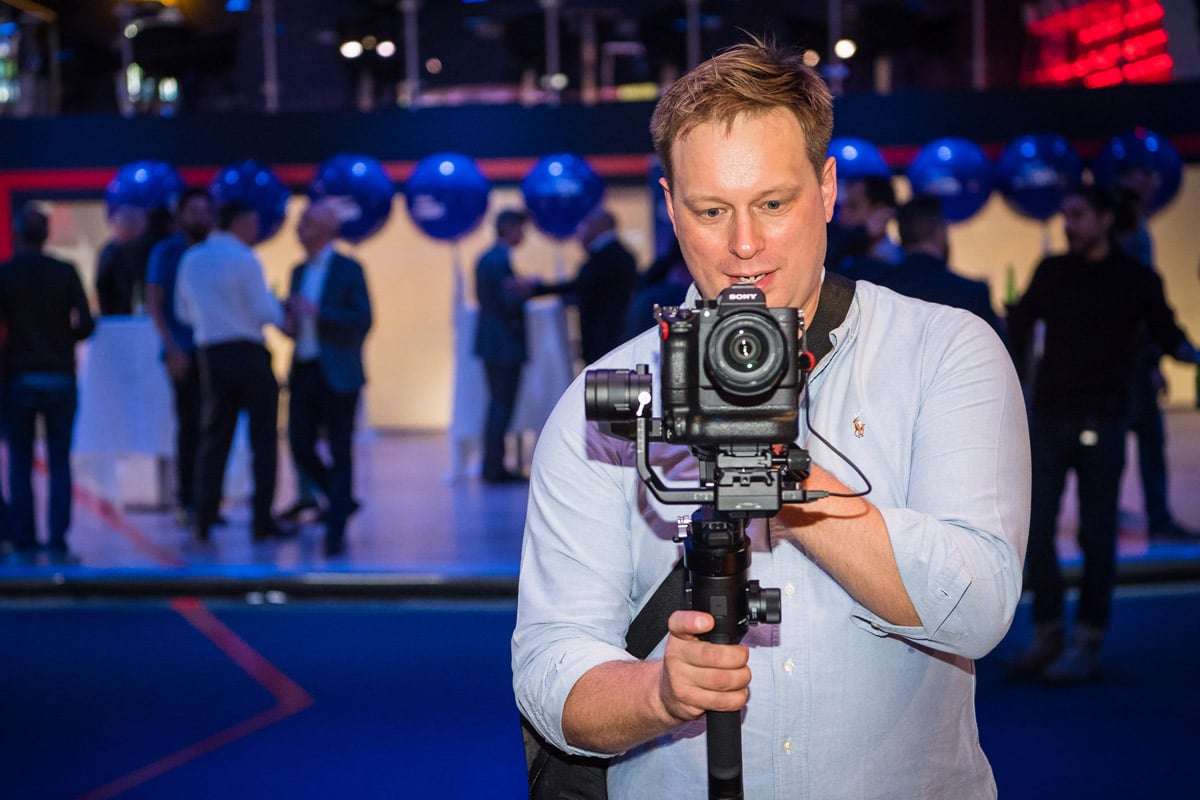
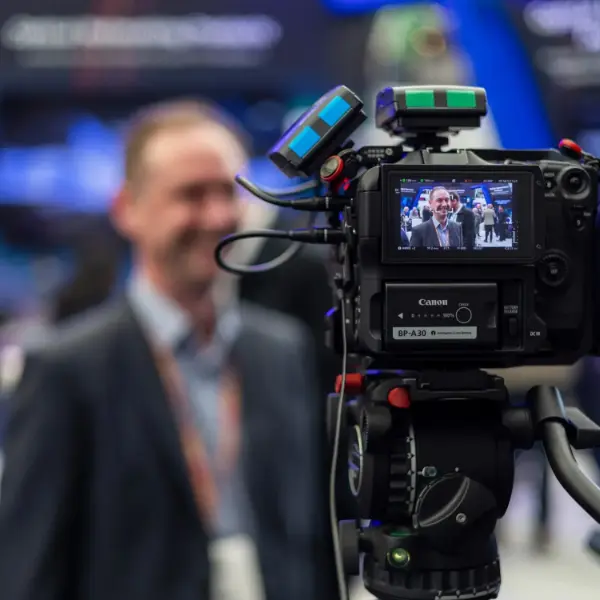
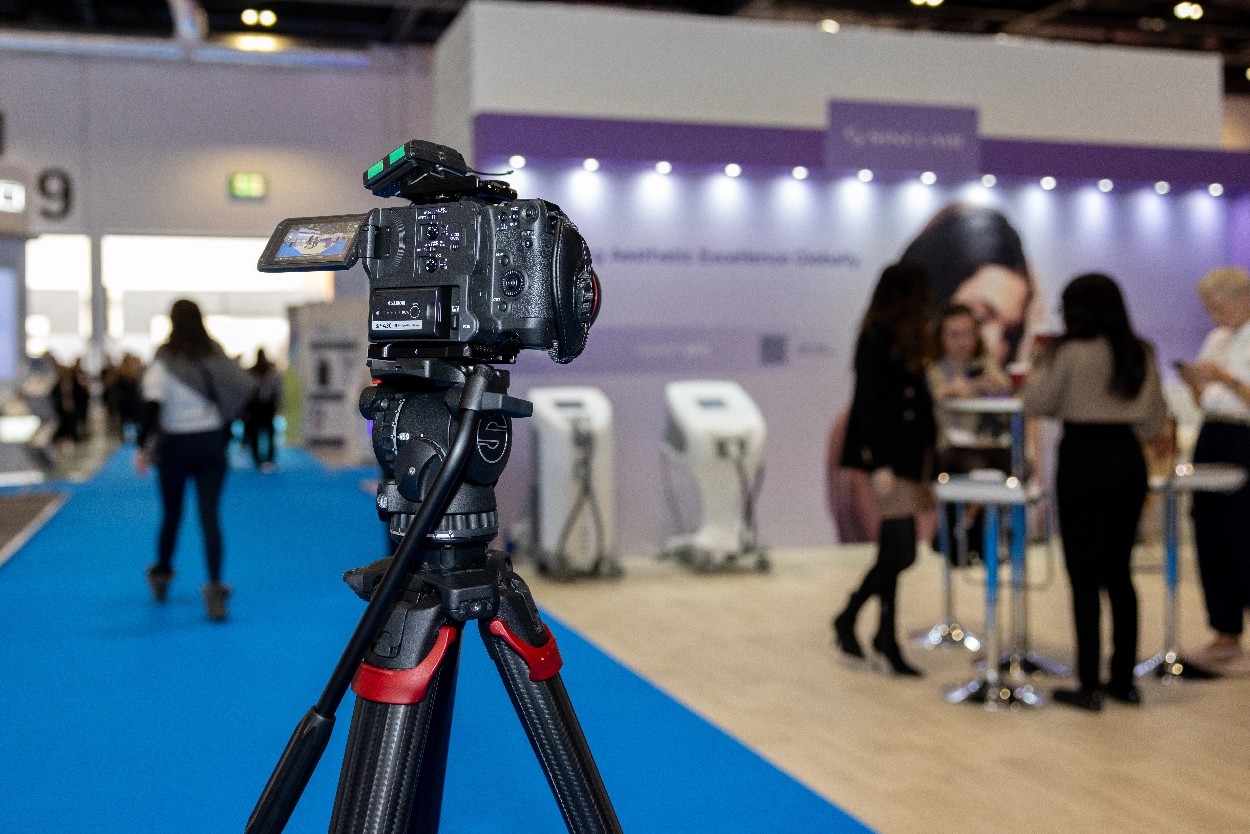
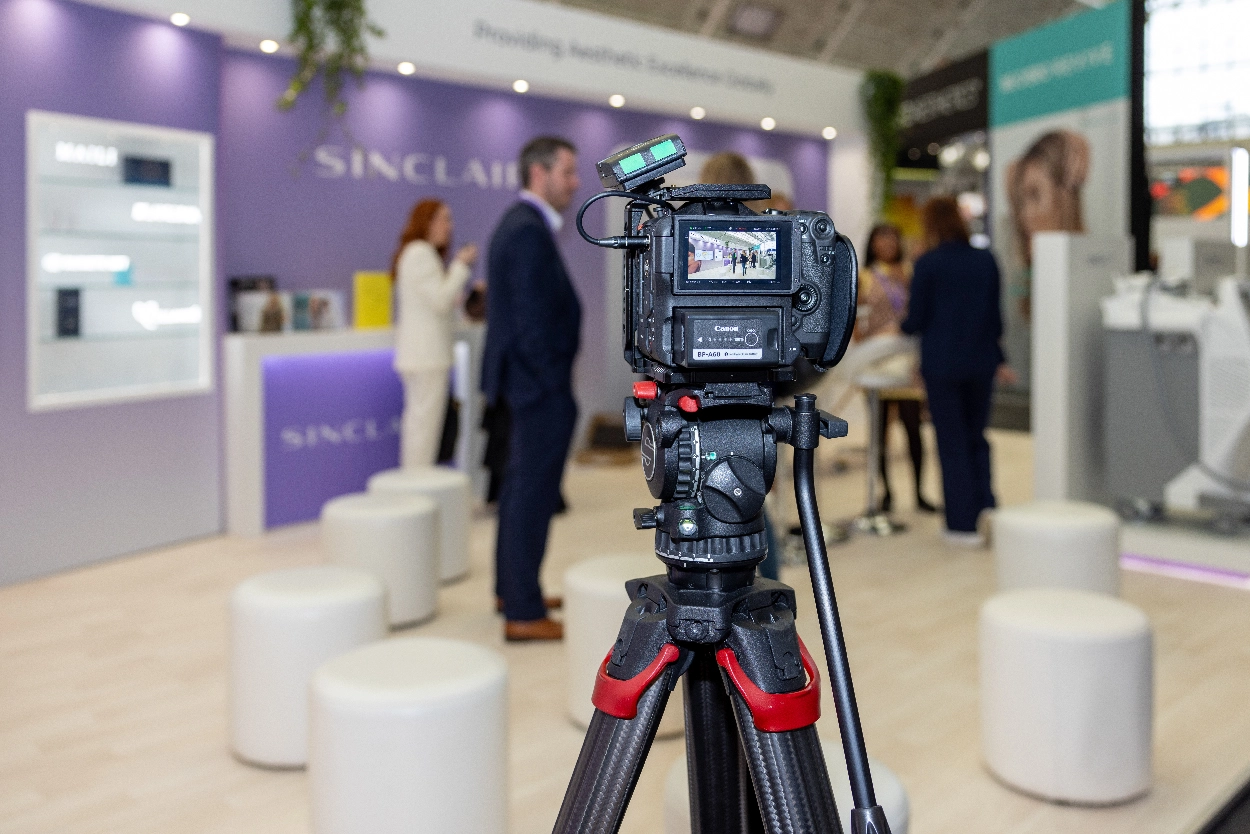
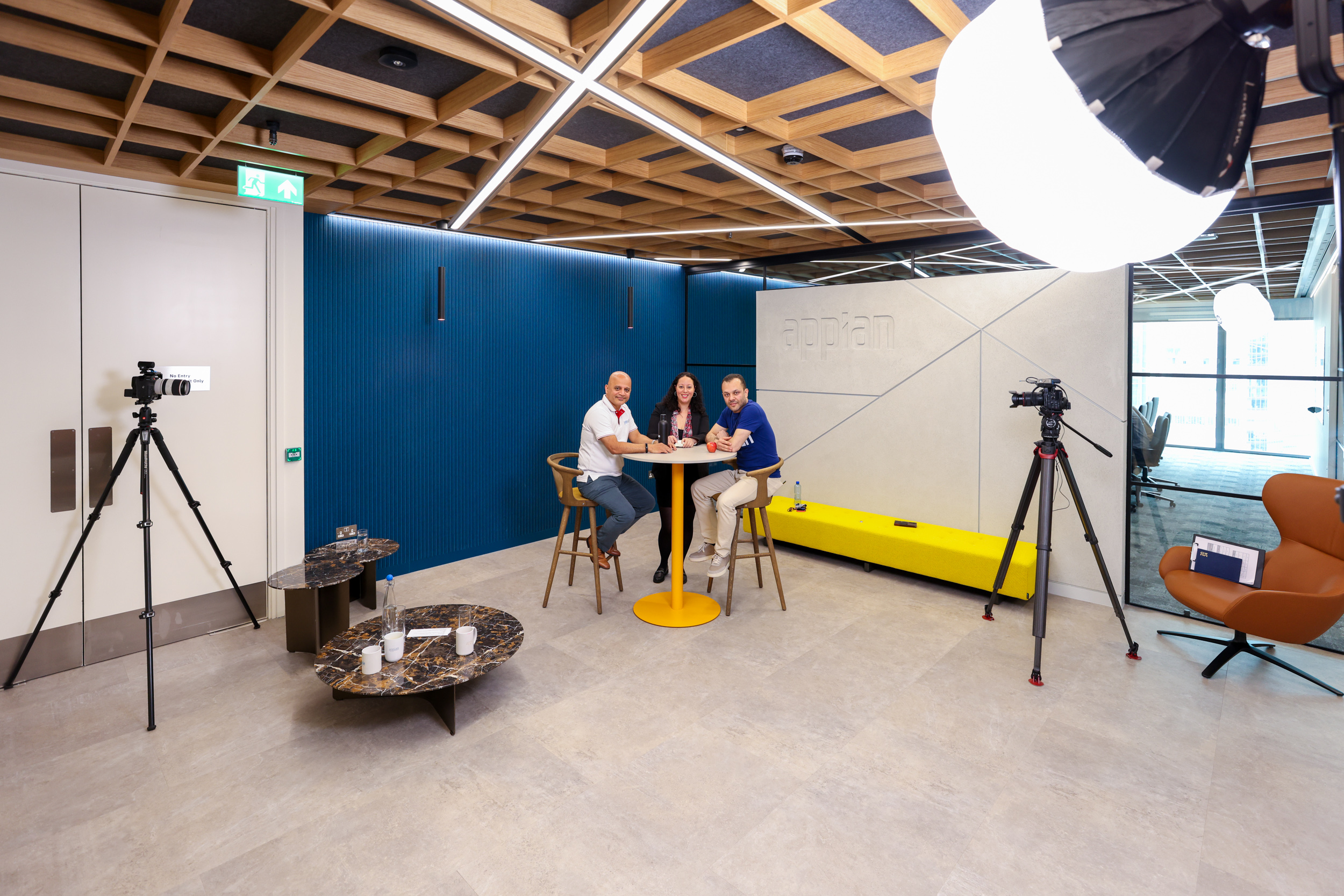
Filming a live keynote — situations where card speed and capacity directly affects what you can capture
Why card speed matters for 4K and RAW
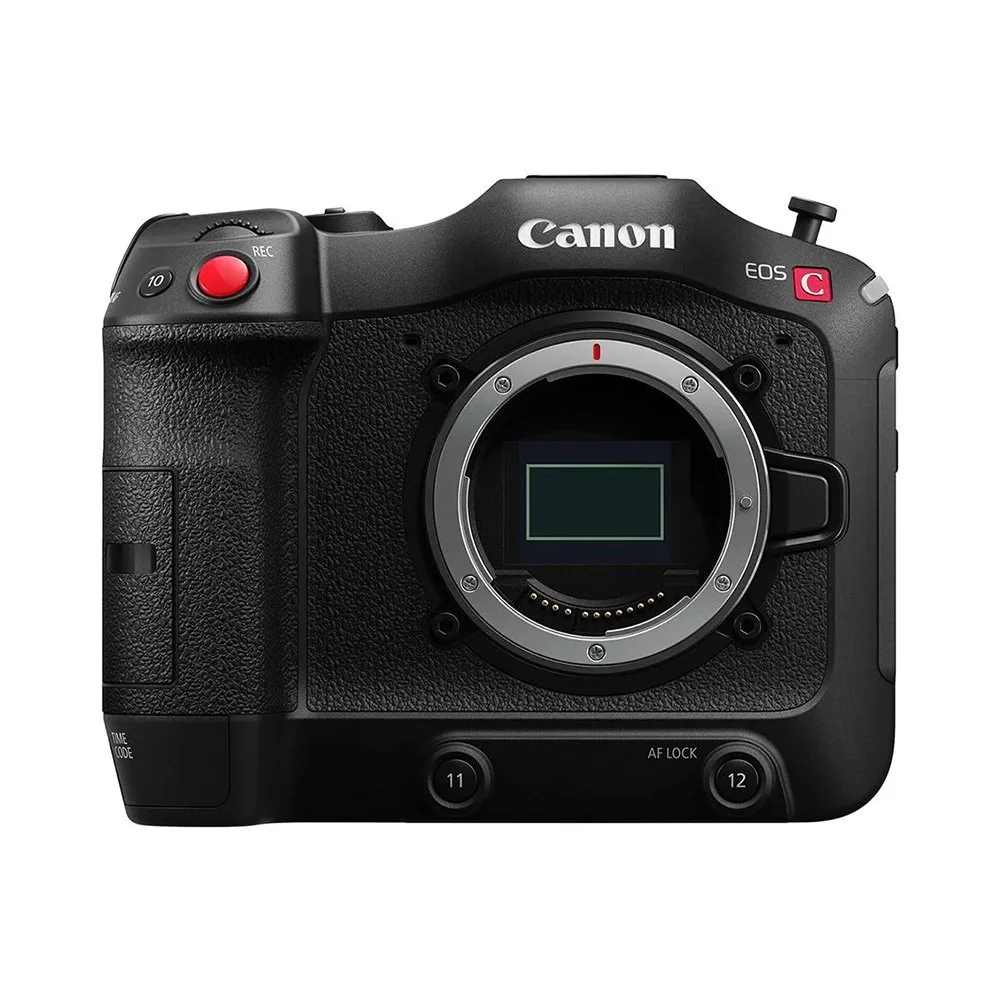
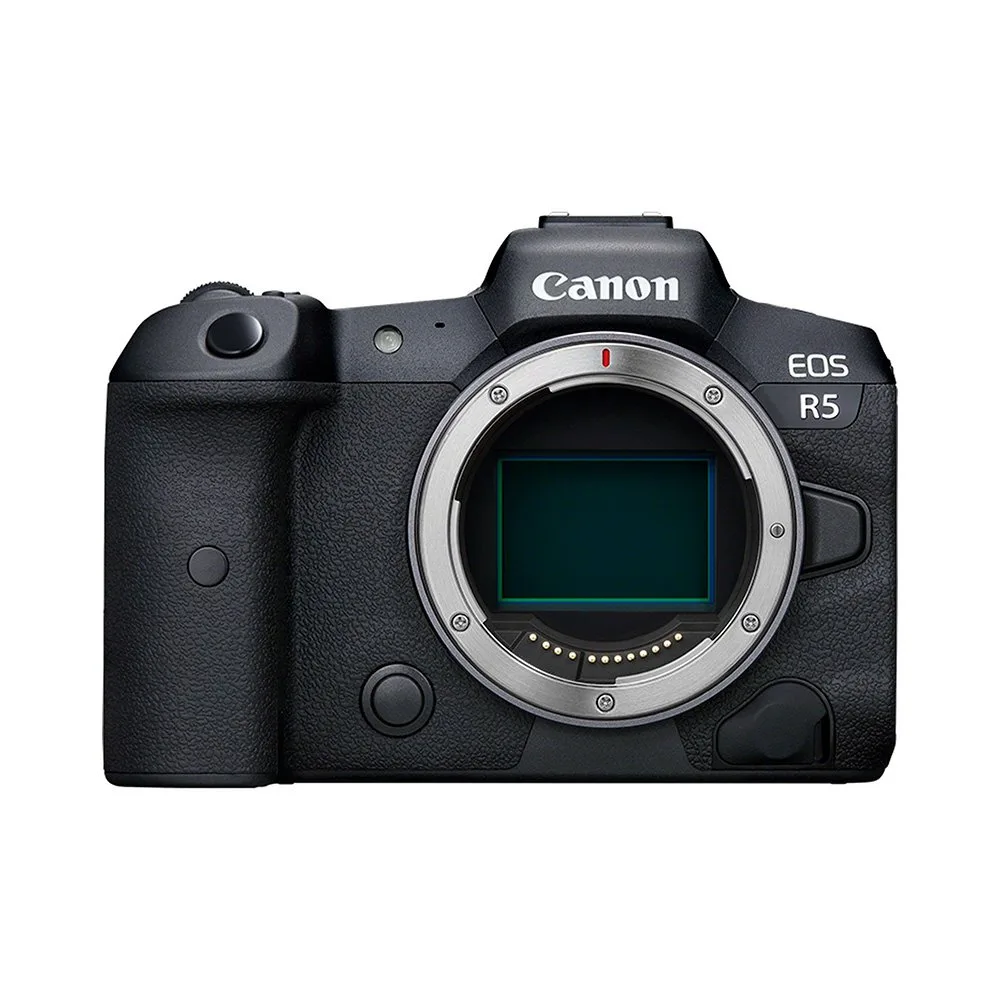
My primary cameras are Canon R5 and R6 bodies, both shooting in 4K. The Canon R5 in particular — which I use for high-end corporate and brand film work — writes data at up to 2,600 MB/s in RAW mode. A standard SD card simply cannot keep pace with that. If the card is too slow, the camera buffers, you miss the shot, and you spend the rest of the event waiting for the buffer to clear at exactly the wrong moment.
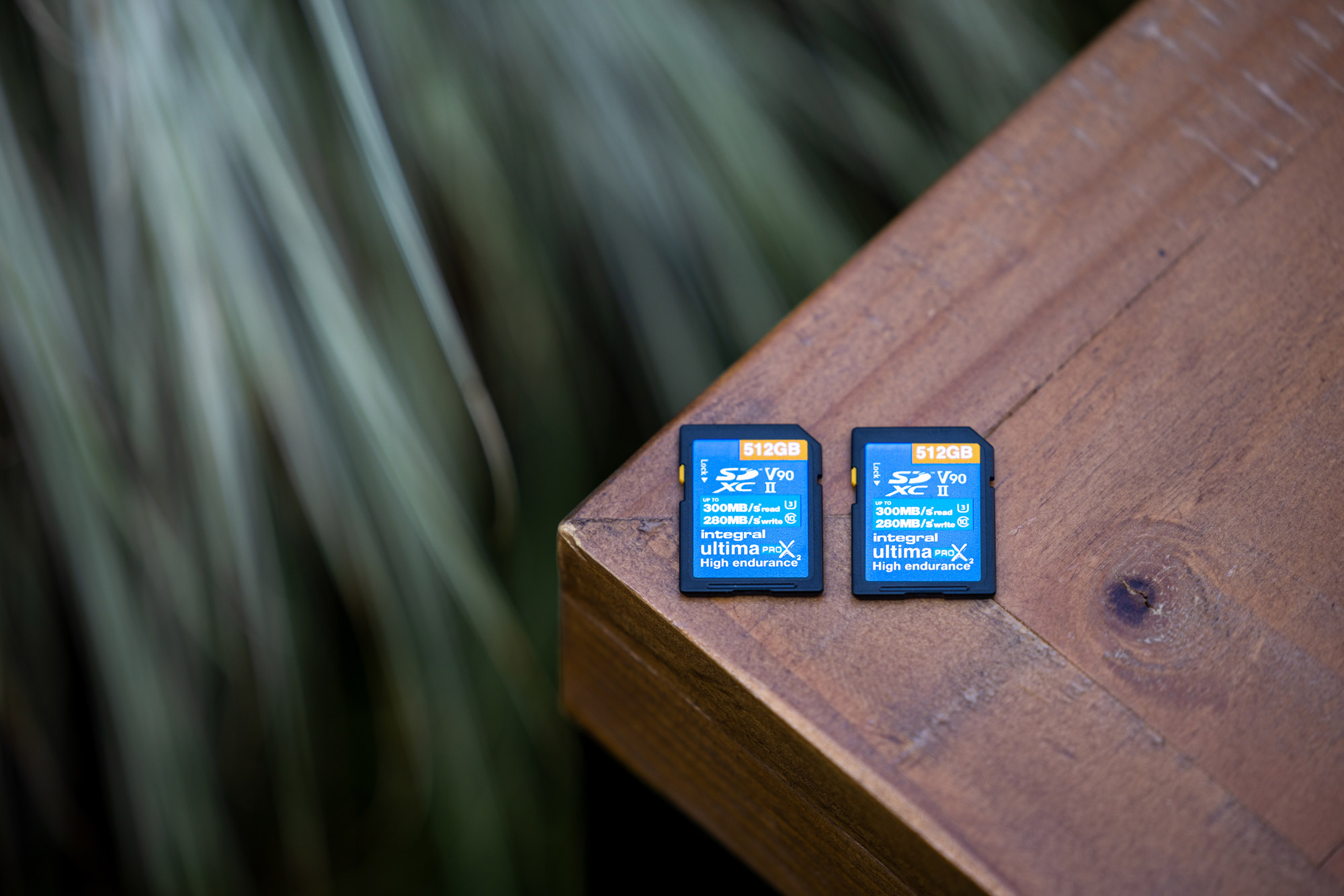
For Canon R5 and R6 shoots I use CFexpress Type B cards — specifically Angelbird AV Pro CFexpress cards at 1,700+ MB/s write speeds. For secondary SD card slots I use Sony Tough UHS-II cards (V90 rated). The V90 rating means a minimum sustained write speed of 90MB/s — fast enough to handle 4K footage continuously without frame drops.
Capacity: how much card do you actually need?
A full day corporate event shoot — nine hours on-site, multiple cameras — can generate between 400GB and 1TB of raw footage. I carry multiple cards and rotate them throughout the day, offloading to a portable SSD during lunch breaks. Running out of space mid-speech is not a recoverable situation, which is why I always have more capacity on-site than I expect to need.
For smaller shoots — a half-day interview session or a product photography job — 128GB to 256GB per camera is typically sufficient. The formula is simple: estimate your shooting hours, multiply by your approximate bitrate, add 40% buffer.
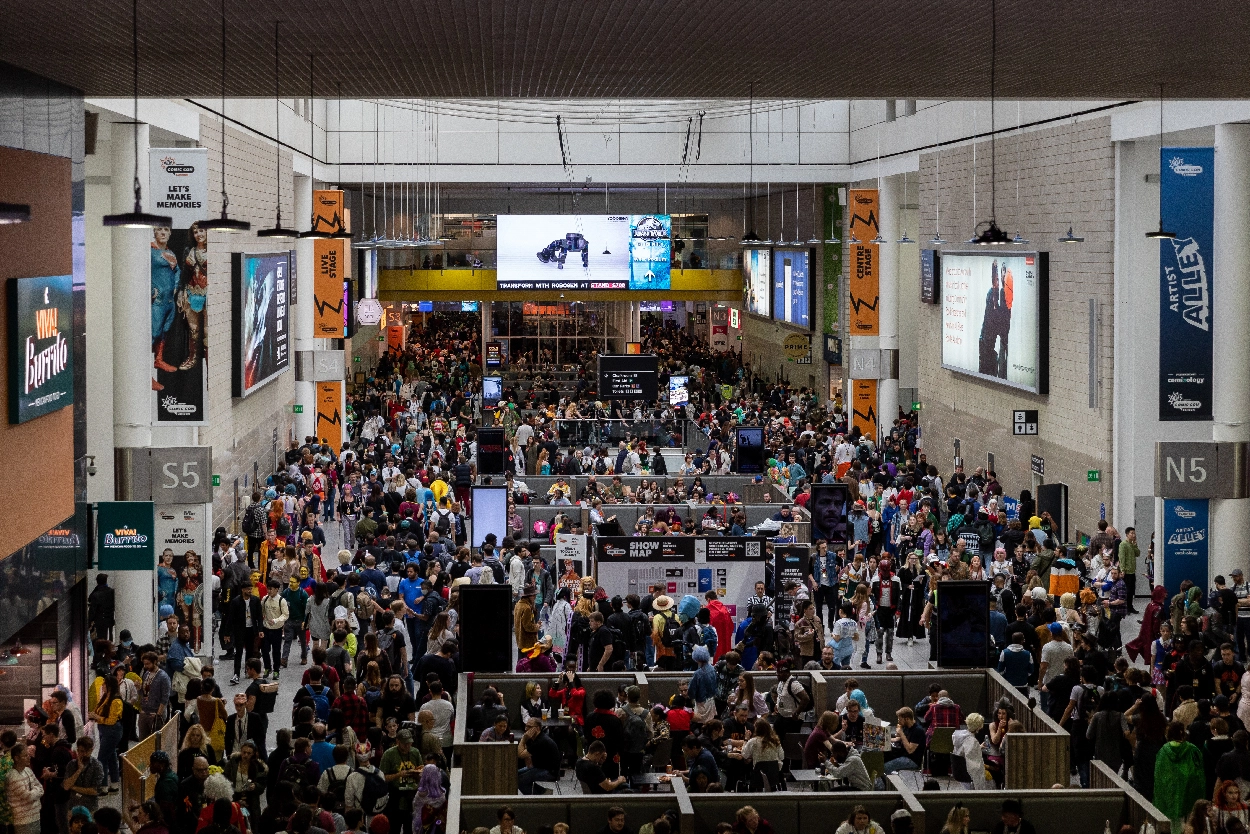
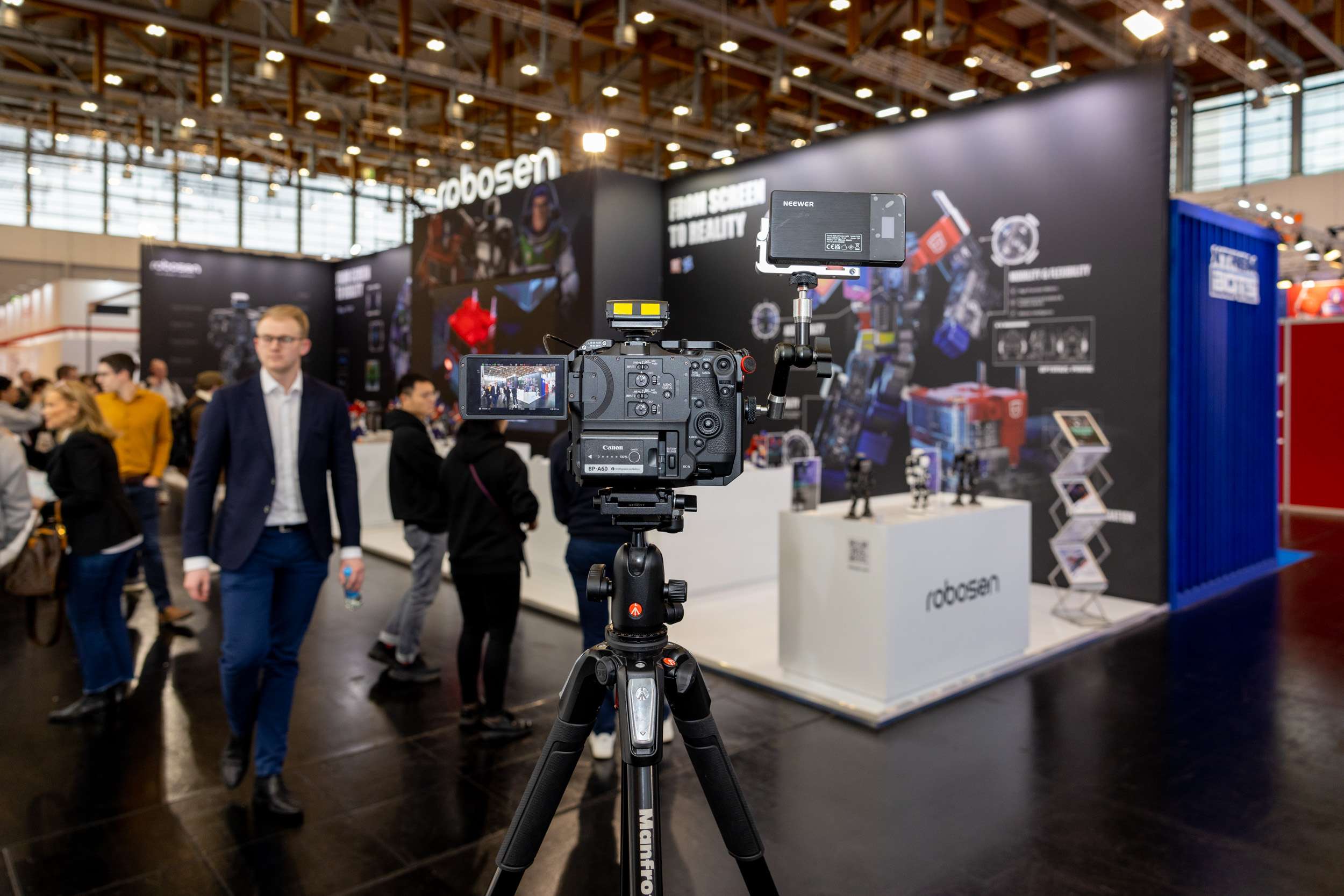
Honor 10 Global Launch — an example of a fast-paced product launch where card reliability is essential
Card care on location
Heat is the enemy of flash storage. Direct sunlight on a card wallet, a bag left in a car on a summer day, or a camera sitting under stage lighting for six hours — all of these elevate operating temperatures and can cause write errors. I keep cards in a hard-shell case inside my camera bag, away from direct heat sources.
I also format cards in-camera rather than on a computer. In-camera formatting writes the correct file system structure for that specific body, which reduces the risk of read errors later. Cards are never deleted file-by-file on location — only formatted at the start of a fresh job once the previous footage has been backed up to at least two drives.
The backup workflow
Every shoot is backed up to two separate drives before any card is formatted. I use a Gnarbox or LaCie Rugged SSD as the first backup, with a second copy going to a separate portable drive. The original card stays unformatted until both backups have been verified. For conference shoots where I'm delivering same-day or 24-hour turnaround content, I'll start the edit from the backup while the originals are still on the cards — this way footage is never at risk from a drive failure during the edit.
It's an unglamorous part of the job, but reliable storage management is what separates a professional who can confidently promise same-day delivery from one who can't.